iPhone parts & sysdiagnose guides
How to check whether an iPhone's screen, battery and cameras are original, which companies make them, and how to read that from the phone's own diagnostic data. Written by the dcfx team; facts are sourced from Apple Support and named industry reporting.
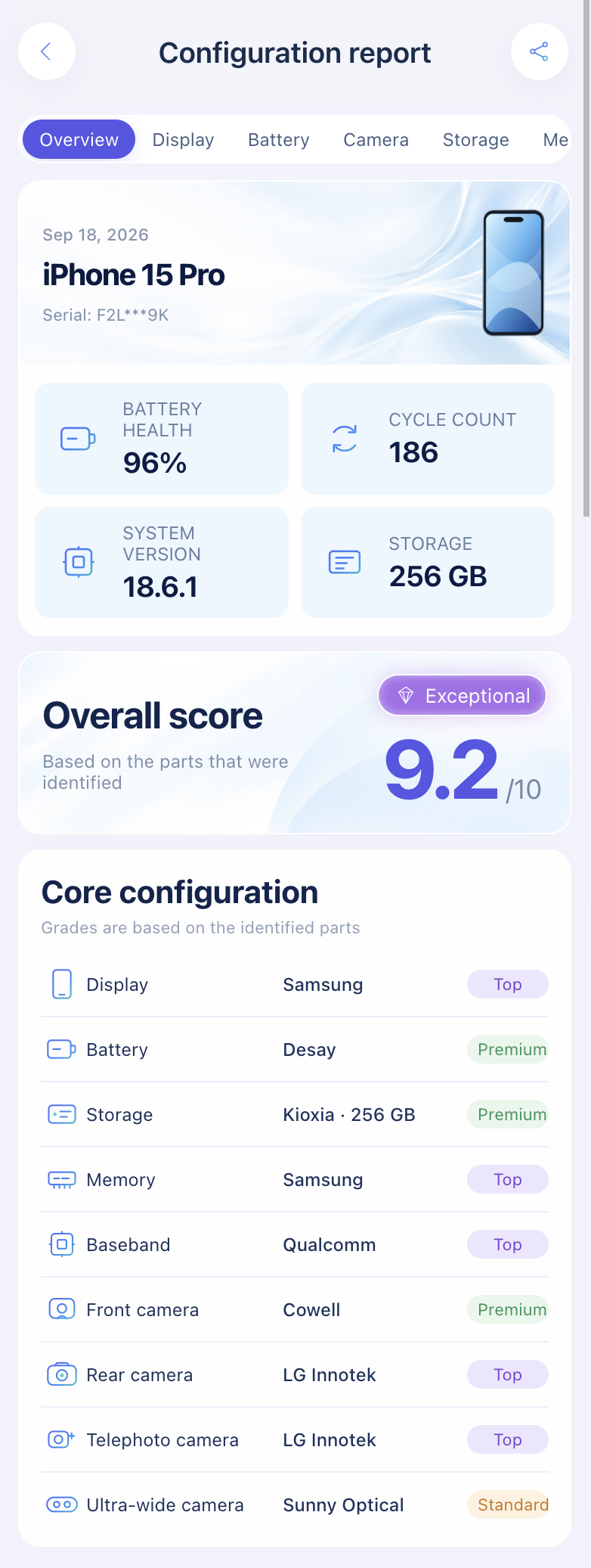
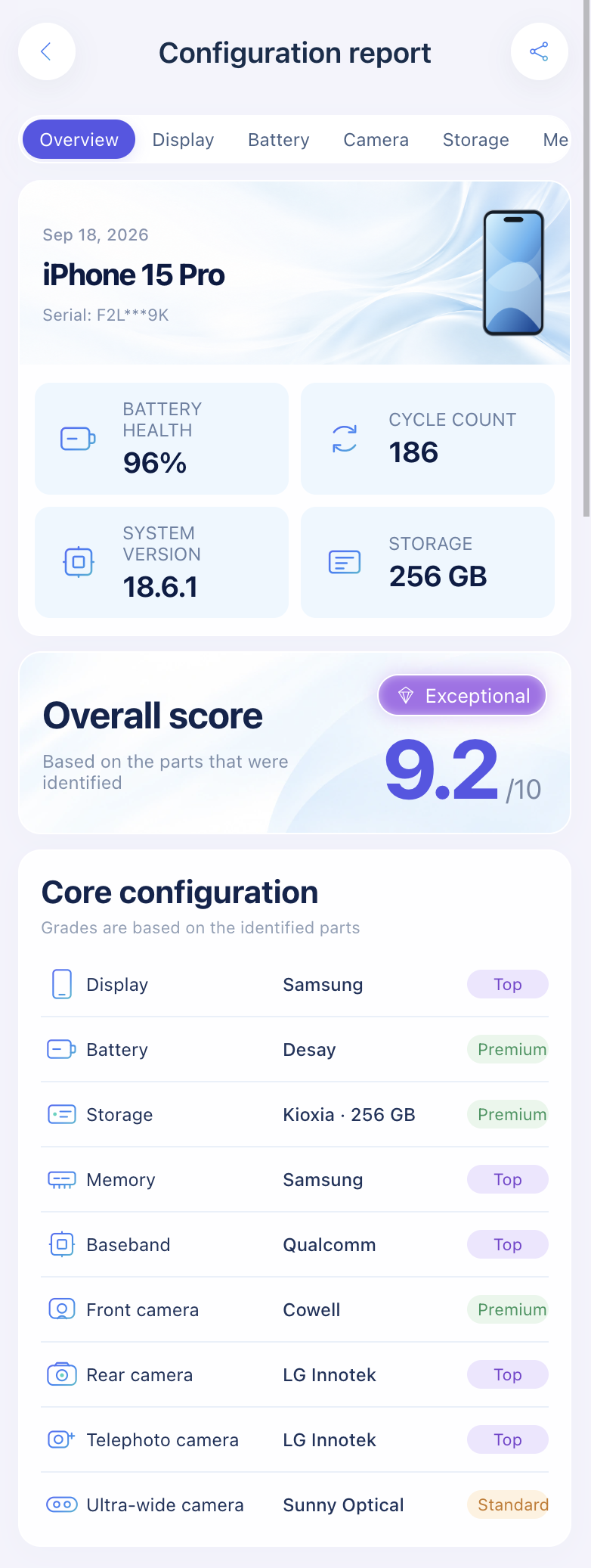
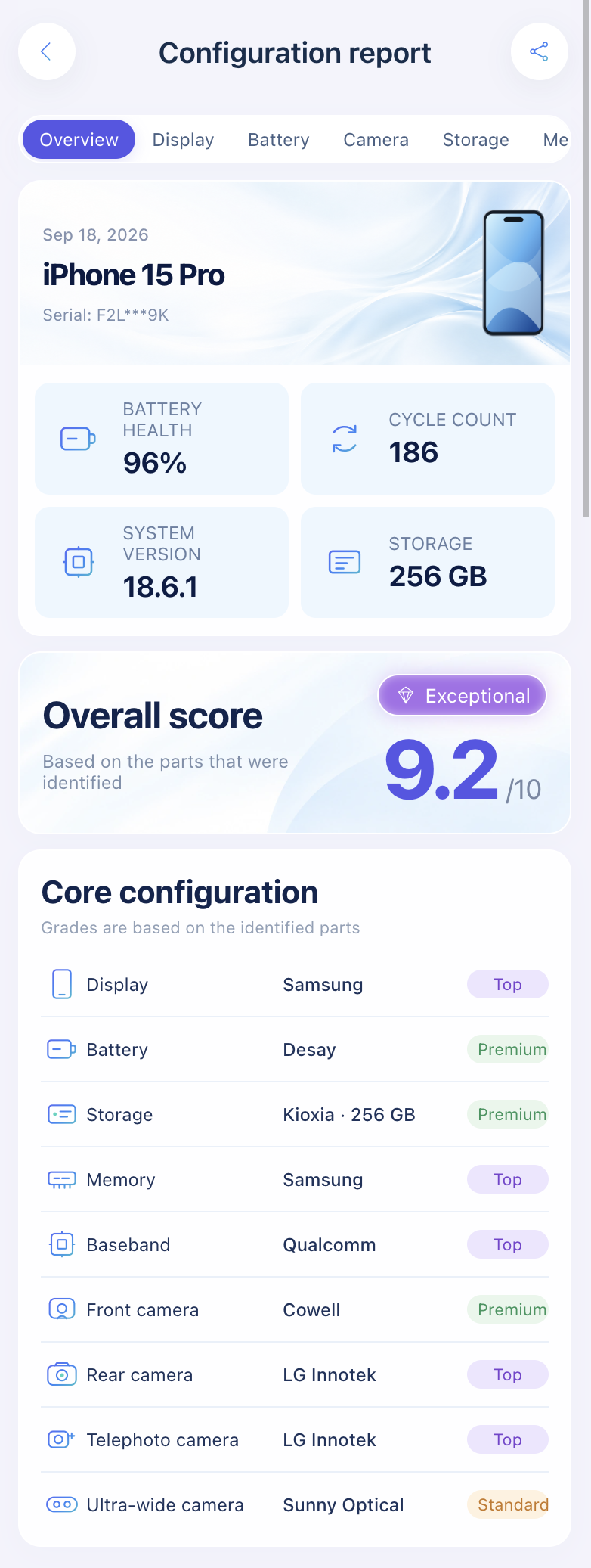
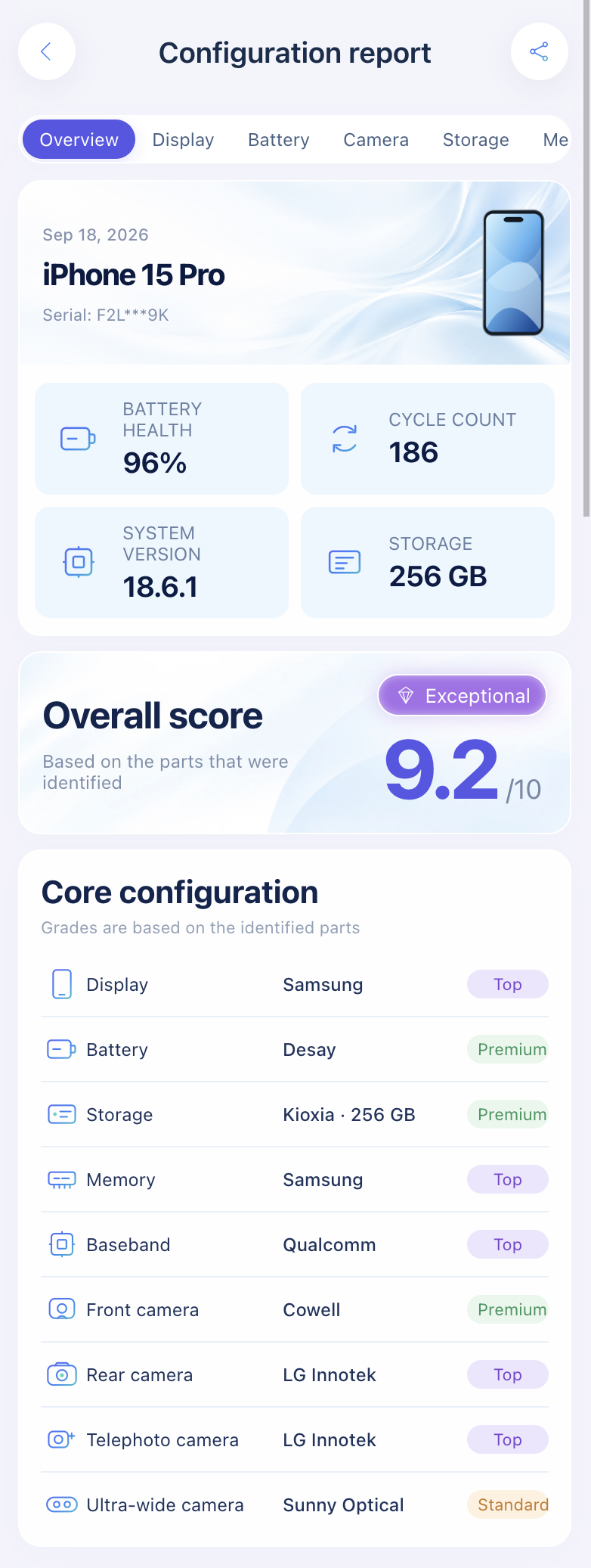
Import a sysdiagnose file to see display, battery, camera, storage, memory, and baseband makers.
Open the lookup toolOriginal parts checks
Apple's Parts and Service History, what each label means, and every check method compared.
Can You Check iPhone Parts by Serial Number? What a Serial Lookup Really Shows
A serial number lookup shows your iPhone's model and coverage, not who made its screen, battery or cameras. Here's what each check returns and where part serials live.
How to Check If iPhone Parts Are Original (Free and Paid Methods Compared)
Check if your iPhone's screen, battery and cameras are original: Parts and Service History by model, what IMEI checkers miss, and part-maker lookups.
"Unknown Part" or "Genuine Apple Part" on iPhone: What the Message Means
What Genuine, Used, Finish Repair, Unknown and Unverified mean in iPhone Parts and Service History, which models are covered, and what to do next.
Screen
Who made your panel (Samsung, LG, BOE) and whether the screen is original.
Is My iPhone Screen Original? How to Tell in 5 Minutes
Is your iPhone screen original? What Genuine, Used, Unknown and Finish Repair mean, plus the True Tone, touch and panel-code checks.
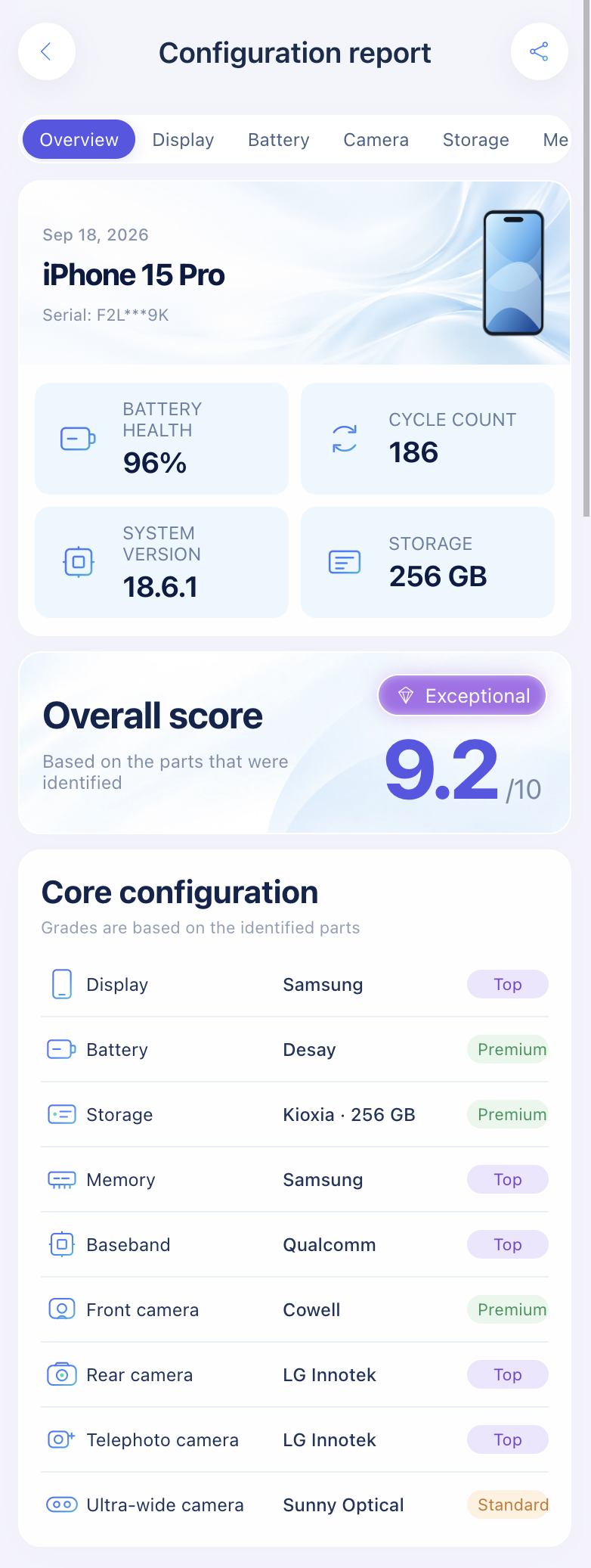
Who Made My iPhone Screen? Samsung, LG or BOE by Model and Panel Code
Which iPhones use Samsung, LG or BOE OLED panels, model by model, and how to read the raw-panel serial prefix (G9N, GVC, GH3, J5V) on your own iPhone.
Battery
Battery suppliers and genuine vs aftermarket batteries.
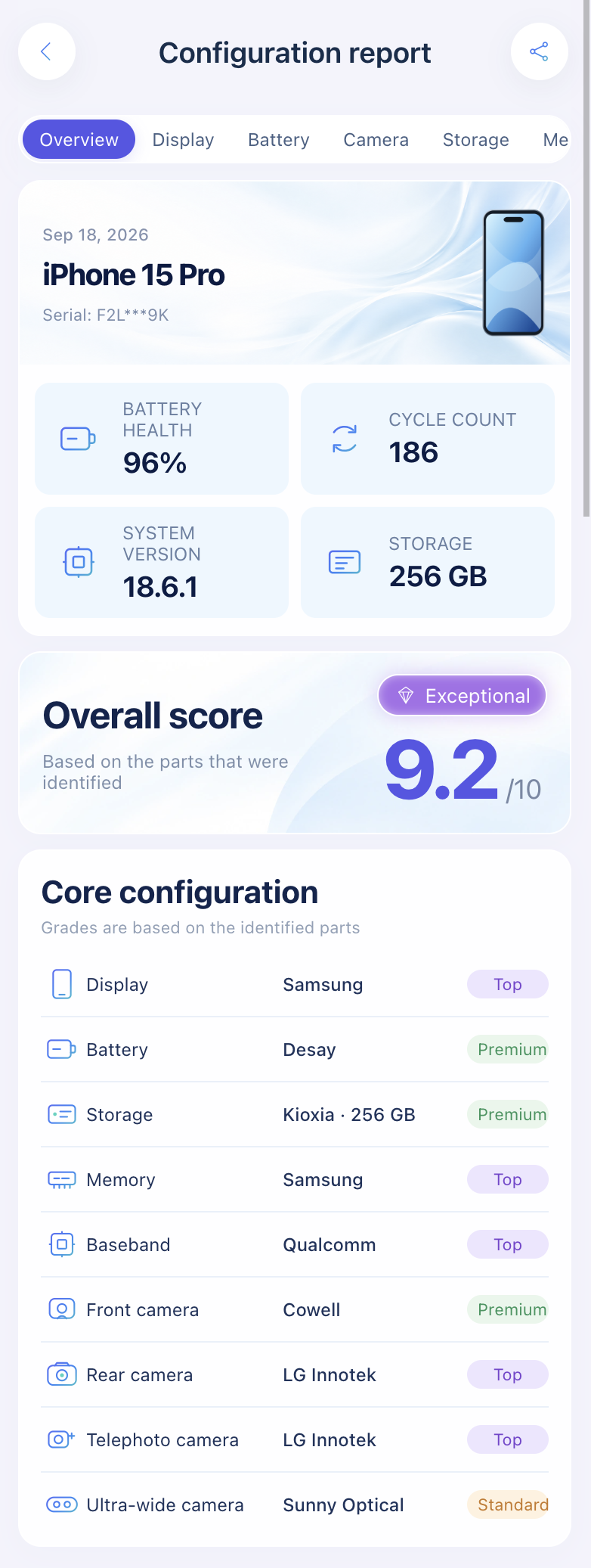
Original vs Aftermarket iPhone Battery: 4 Checks That Actually Work
Tell an original iPhone battery from an aftermarket one: Parts and Service History labels, the 'Unable to verify' warning and logged health.
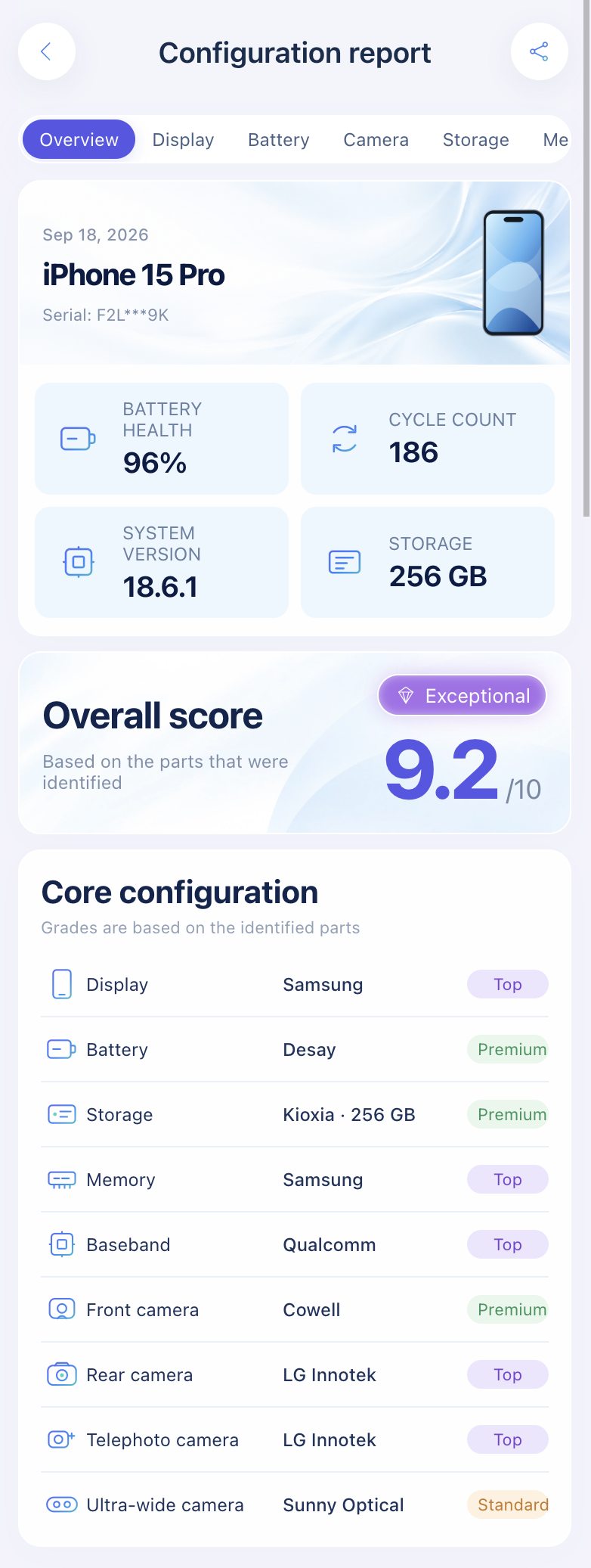
Who Makes iPhone Batteries? Desay, Sunwoda, Simplo and ATL Explained
Apple's iPhone battery suppliers: which companies make cells (ATL) and which assemble packs (Desay, Sunwoda, Simplo), and how to see the maker of your own battery.
Camera
Sensor and camera module suppliers.
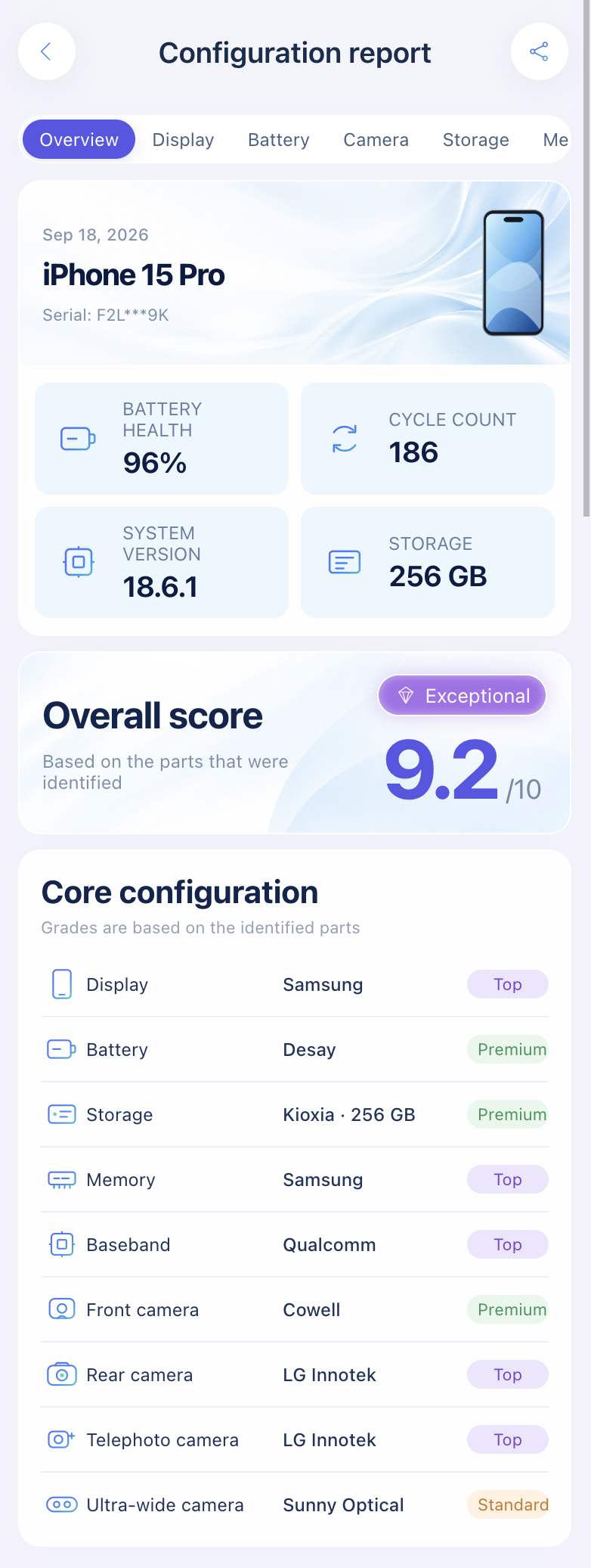
Storage and memory
NAND flash and RAM suppliers, and how to check yours.
Buying a used iPhone
What to check before you pay for a second-hand iPhone.
Free iPhone IMEI Check: What It Can and Can't Tell You
A free iPhone IMEI check reliably shows blocklist status and the model. iCloud and SIM-lock results are unofficial, and no IMEI check sees replaced parts.
How to Check an iPhone's IMEI and Serial Number Before Buying
Before buying a used iPhone, find the IMEI and serial, make sure every copy matches, then check blocklist and Apple coverage. Here's what each check proves.
How to Find Your iPhone IMEI Number (Even Without the Phone)
Find your iPhone IMEI in Settings, with *#06#, on the SIM tray or box, or with no phone at all through your Apple Account. Every method Apple lists.
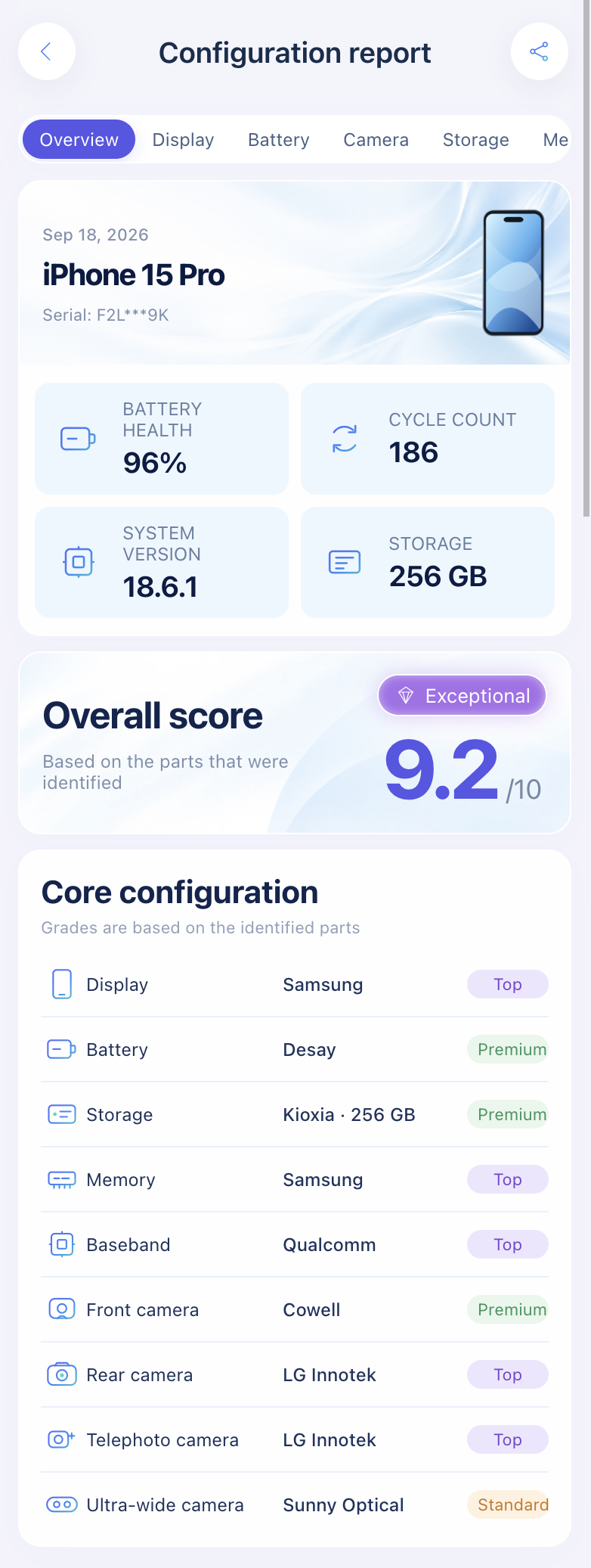
The Best Used iPhone Checker Tools and Apps Compared
Compare used iPhone checkers: Apple's built-in checks, stolen-phone IMEI lookups, 3uTools, coconutBattery, iMazing, and a sysdiagnose part-maker lookup.
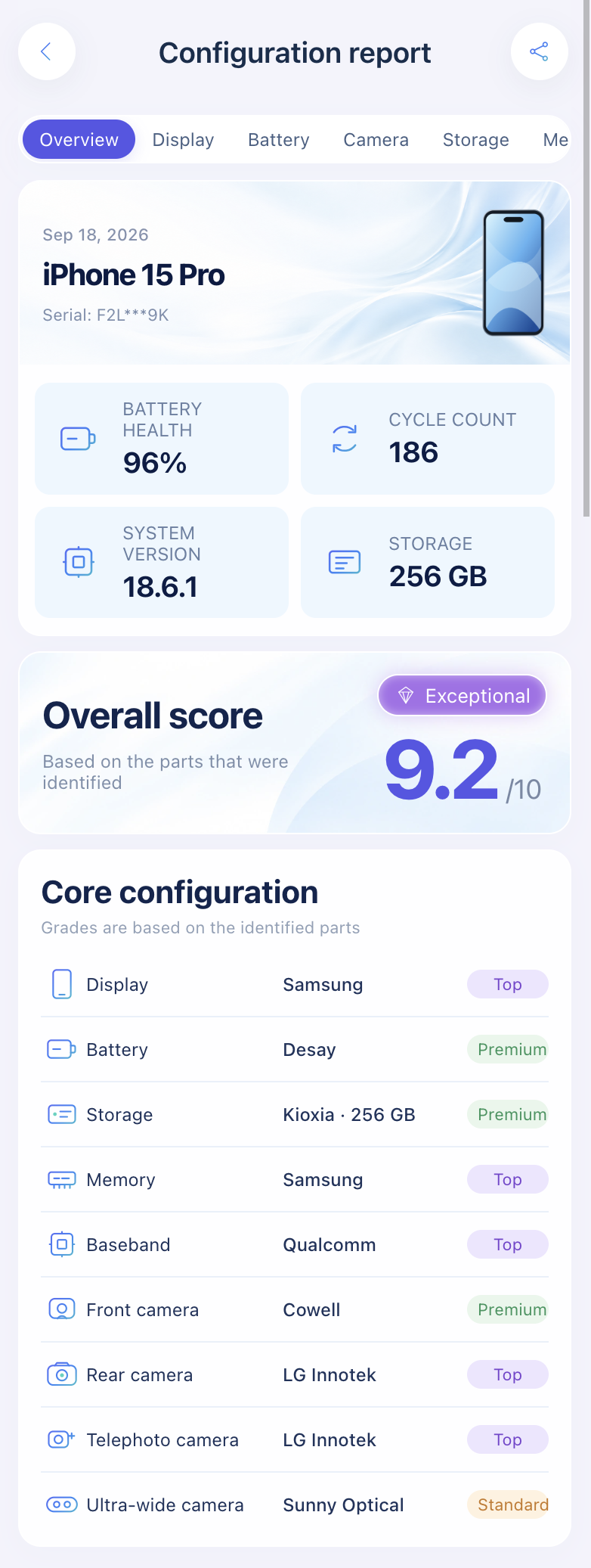
Used iPhone Checklist: 15 Things to Check Before You Buy
A 15-point used iPhone checklist: Activation Lock, IMEI, carrier lock, battery health, Parts and Service History, hardware tests, and who made the parts.
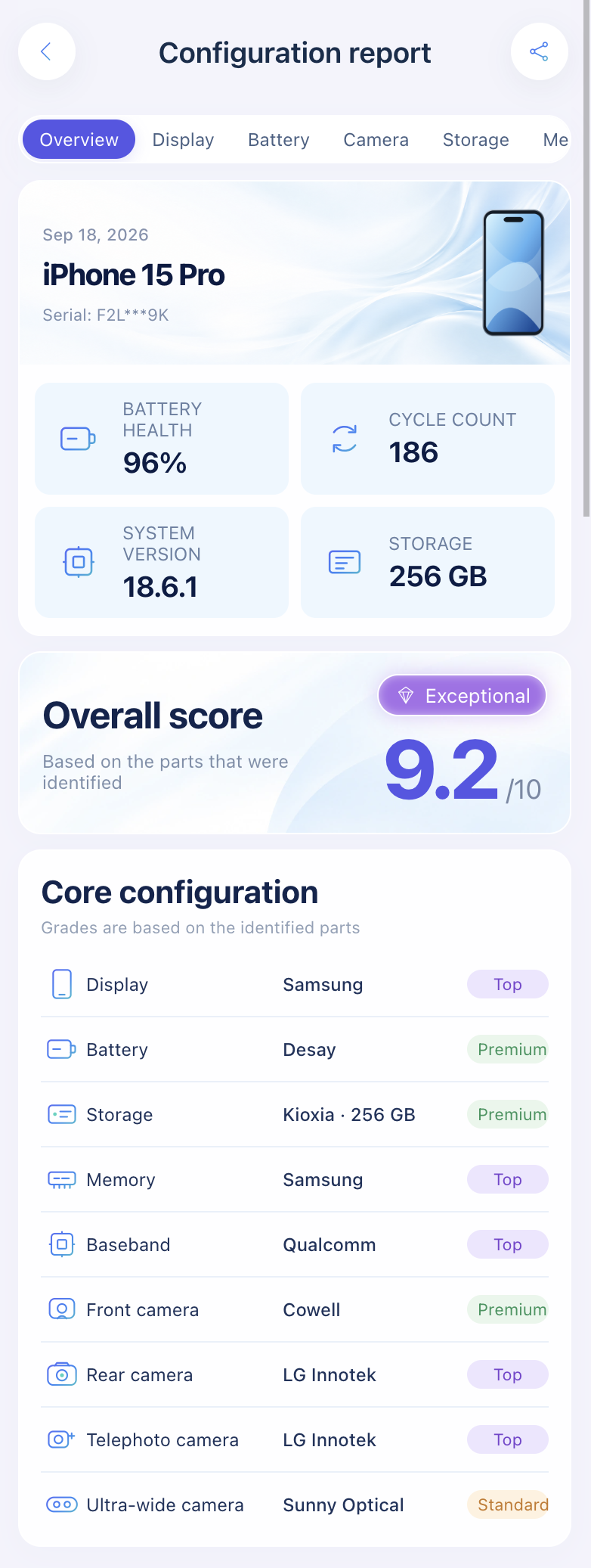
How to Check Your iPhone's Country of Origin from the Model Number
Tap Model Number in Settings to reveal the A-number, then match it on Apple's list. Here's how that differs from LL/A codes and Assembled-in labels.
Modem and baseband
Qualcomm, Intel or Apple C1: which modem your iPhone uses and how to check.
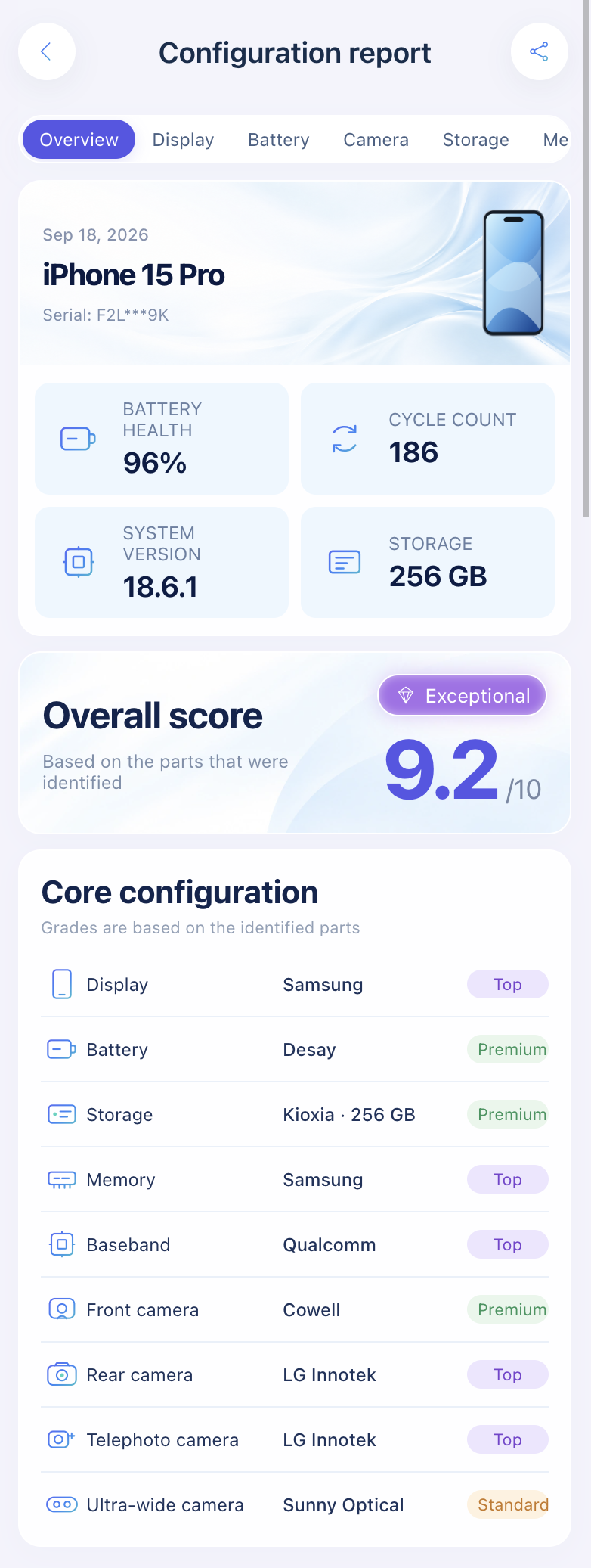
Sysdiagnose
Capturing the diagnostic file that holds part serials.
How to Get a Sysdiagnose File on iPhone (Buttons, Wait Time, Where It's Saved)
Trigger a sysdiagnose on iPhone with the button combo or AssistiveTouch, find the sysdiagnose_ file in Analytics Data, and fix common failures.
What's Inside an iPhone Sysdiagnose Log (and What It Reveals About Your Hardware)
An iPhone sysdiagnose is a folder of logs and system snapshots. See which files hold your display, battery, camera and storage details, and how to read them.